Real-Time Vehicle Tracking
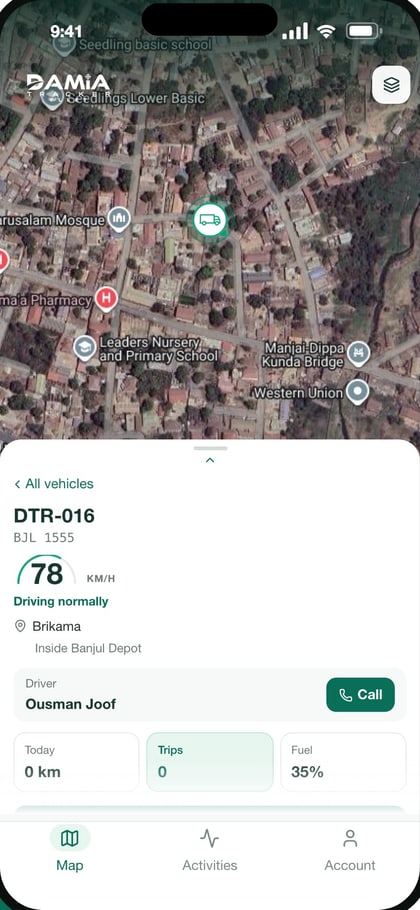
Know where your vehicles are, whether they are moving, parked, idle, or offline.
See how it worksFuel Management
Understand fuel usage and identify potential inefficiencies.
See how it worksMaintenance Management
Keep vehicles in good condition and reduce avoidable downtime.
See how it worksReports and Analytics
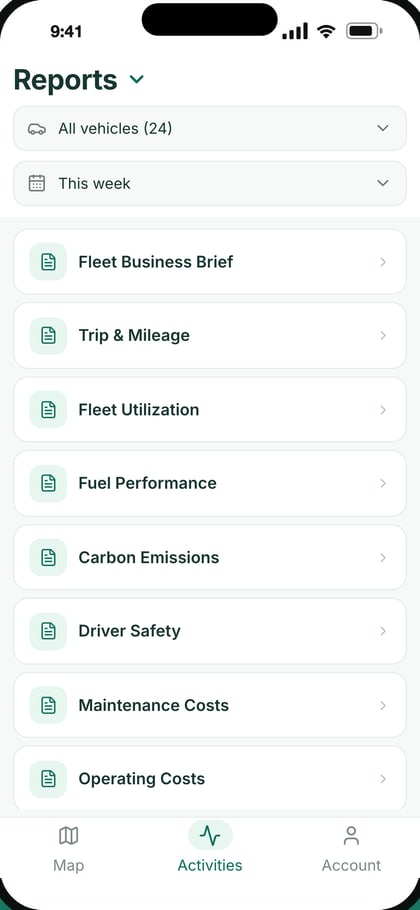
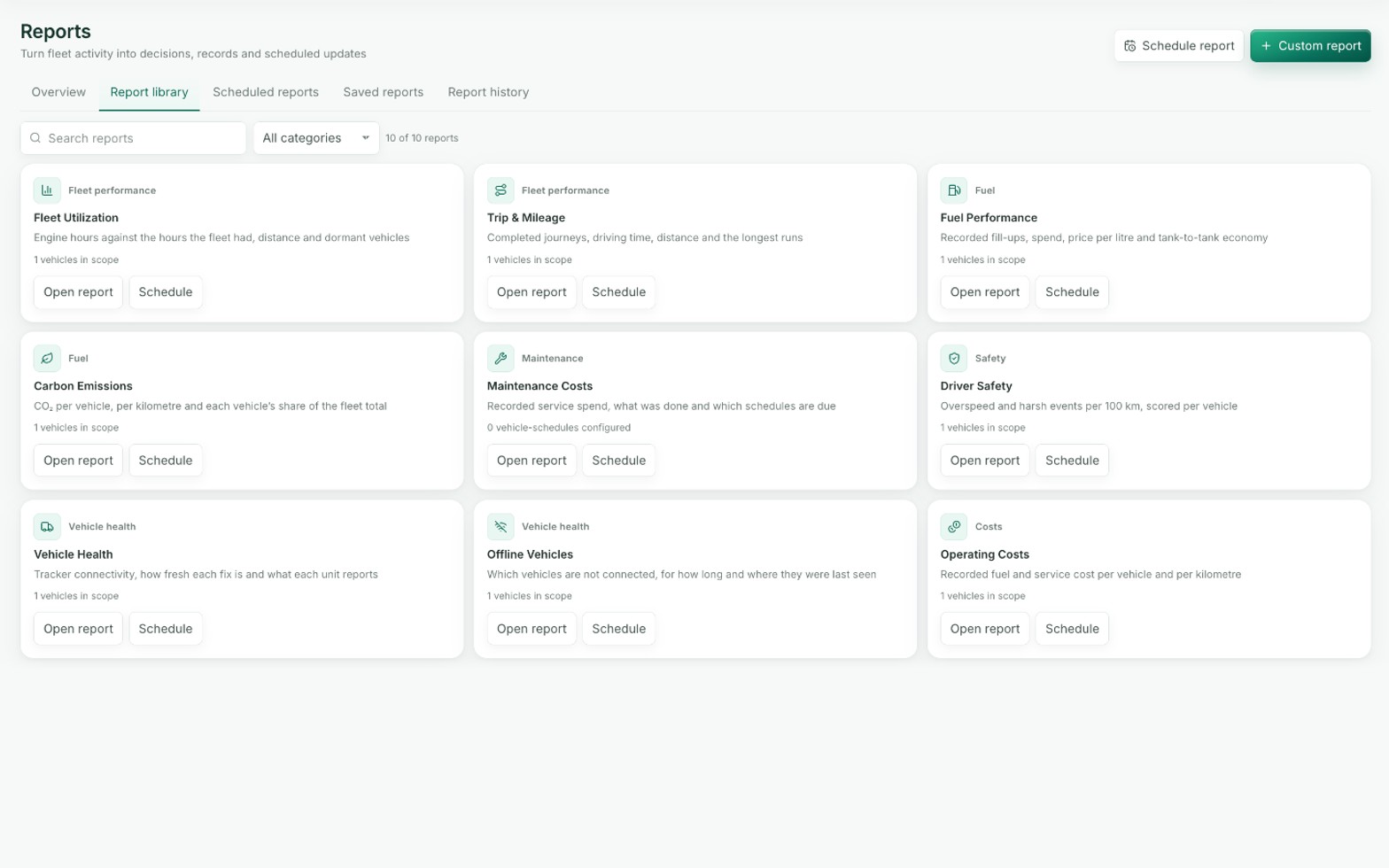
Turn fleet activity into actionable business information.
See how it worksSmart Alerts
Stay informed about important vehicle events.
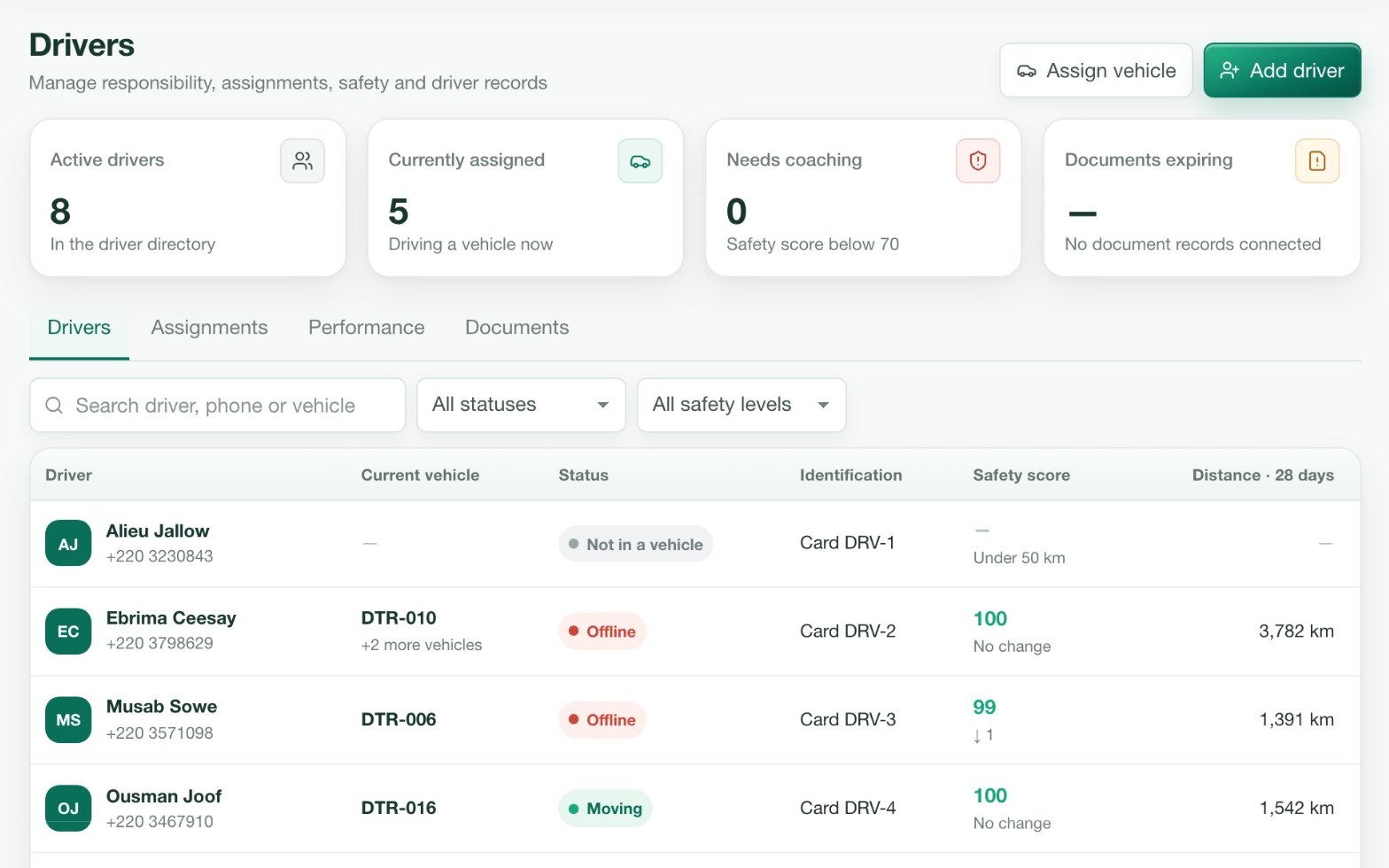
See how it worksTeam and Fleet Management
Give the right people access to the information they need.
See how it works
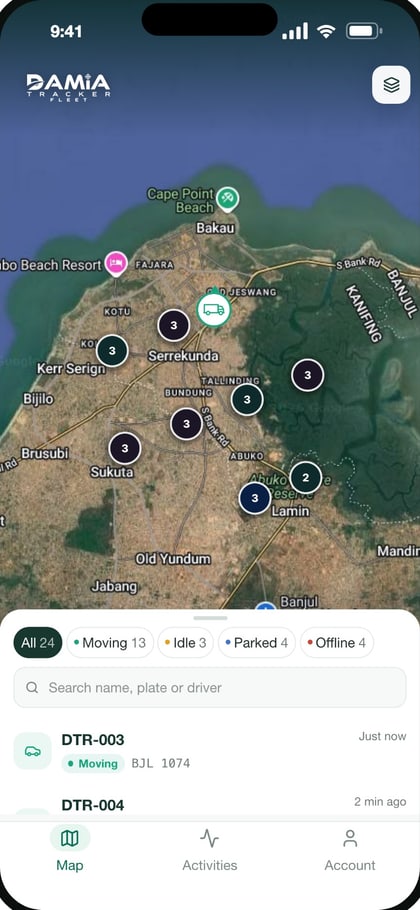
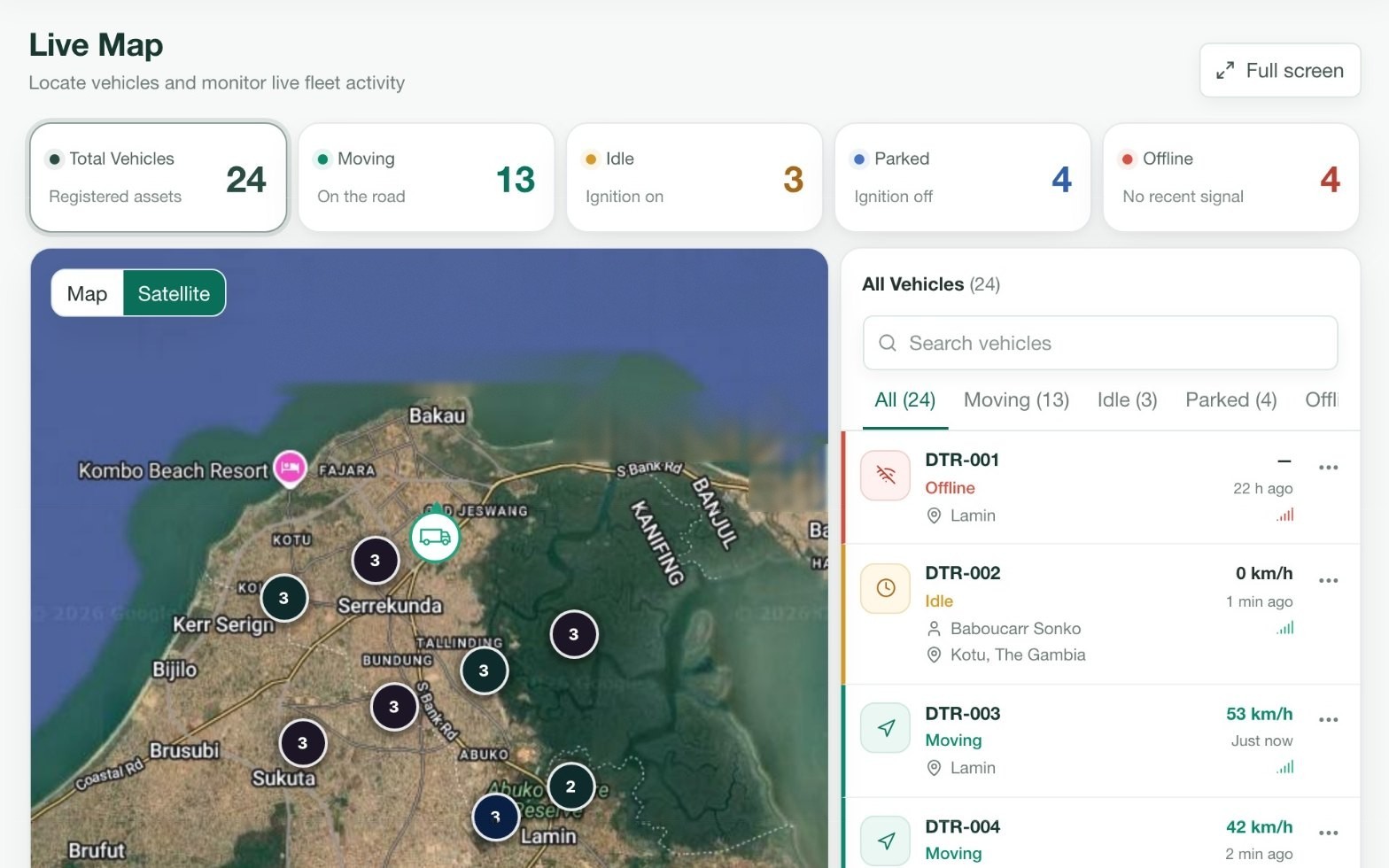
Know where your vehicles are, whether they are moving, parked, idle, or offline.
Every vehicle on one live map, each with its current status and last reported position. Go back in time to replay a trip, see where a vehicle stopped and for how long, and review its activity day by day.
- Live GPS tracking
- Vehicle status
- Location history
- Trip replay
- Vehicle activity
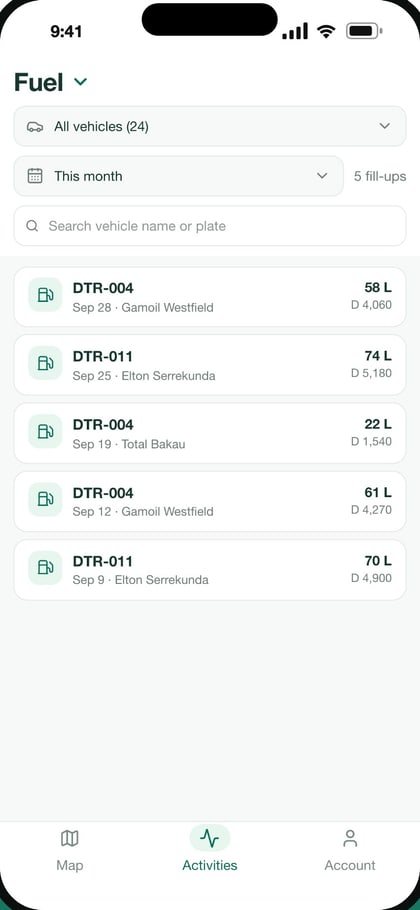
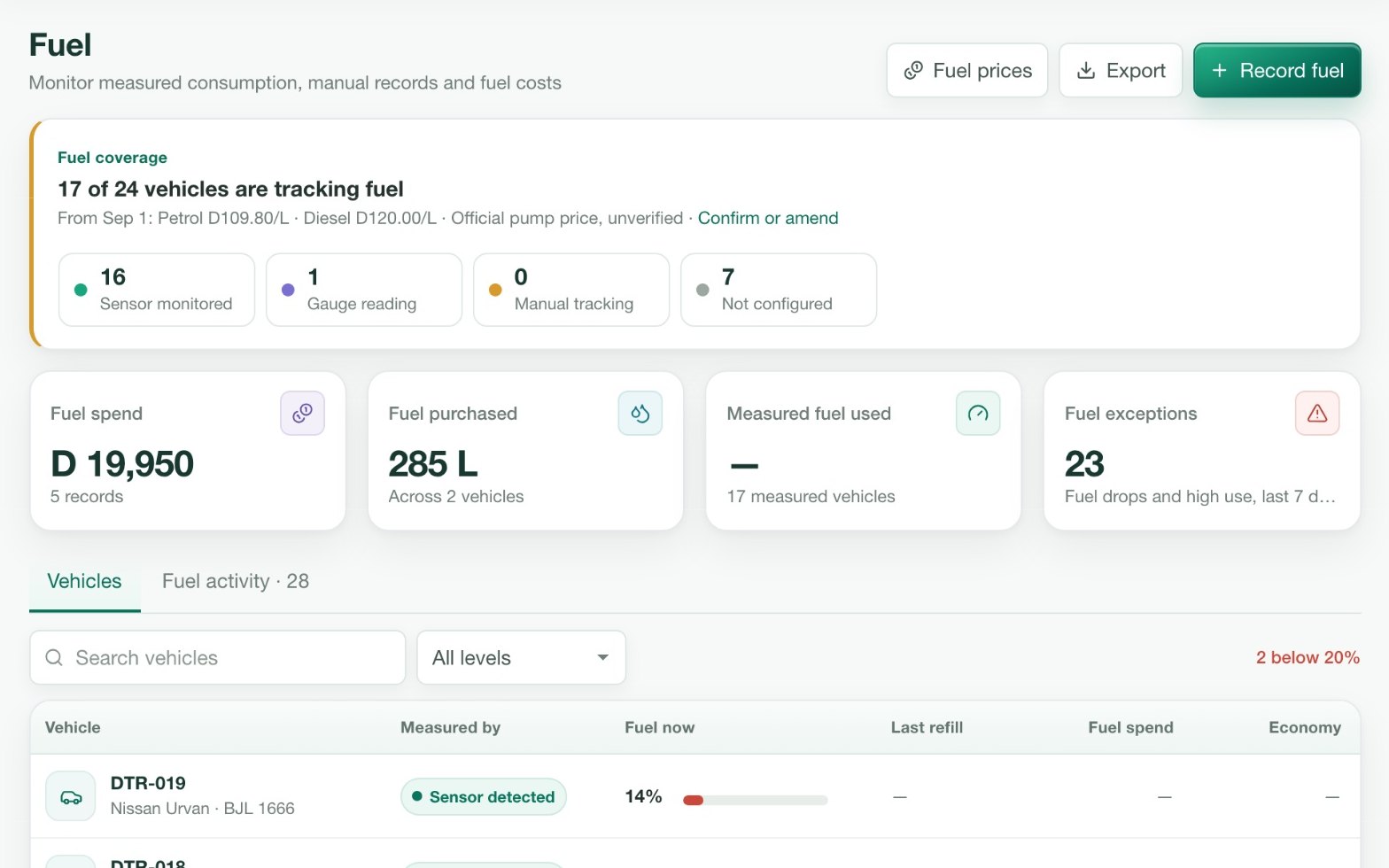
Understand fuel usage and identify potential inefficiencies.
With a compatible fuel sensor fitted, Damia Fleet reads the tank level and builds a record of refuels, consumption and history for each vehicle. Fuel monitoring depends on the hardware installed in the vehicle.
- Fuel monitoring with compatible sensors
- Fuel consumption insights
- Refueling records
- Fuel history
- Fuel-related alerts where supported
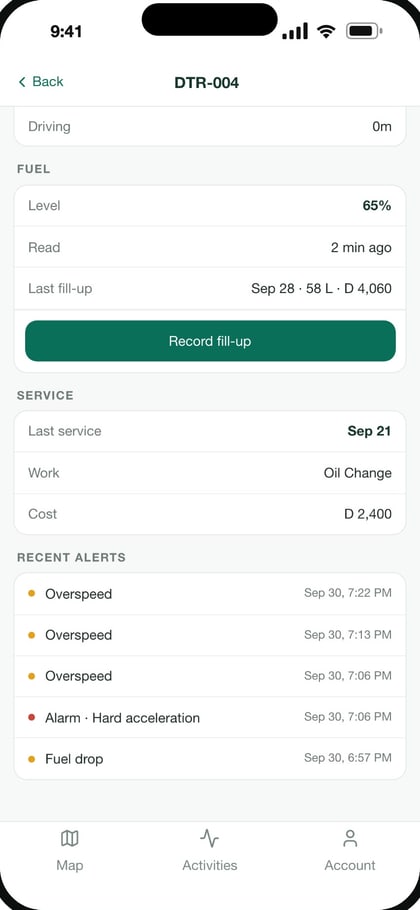
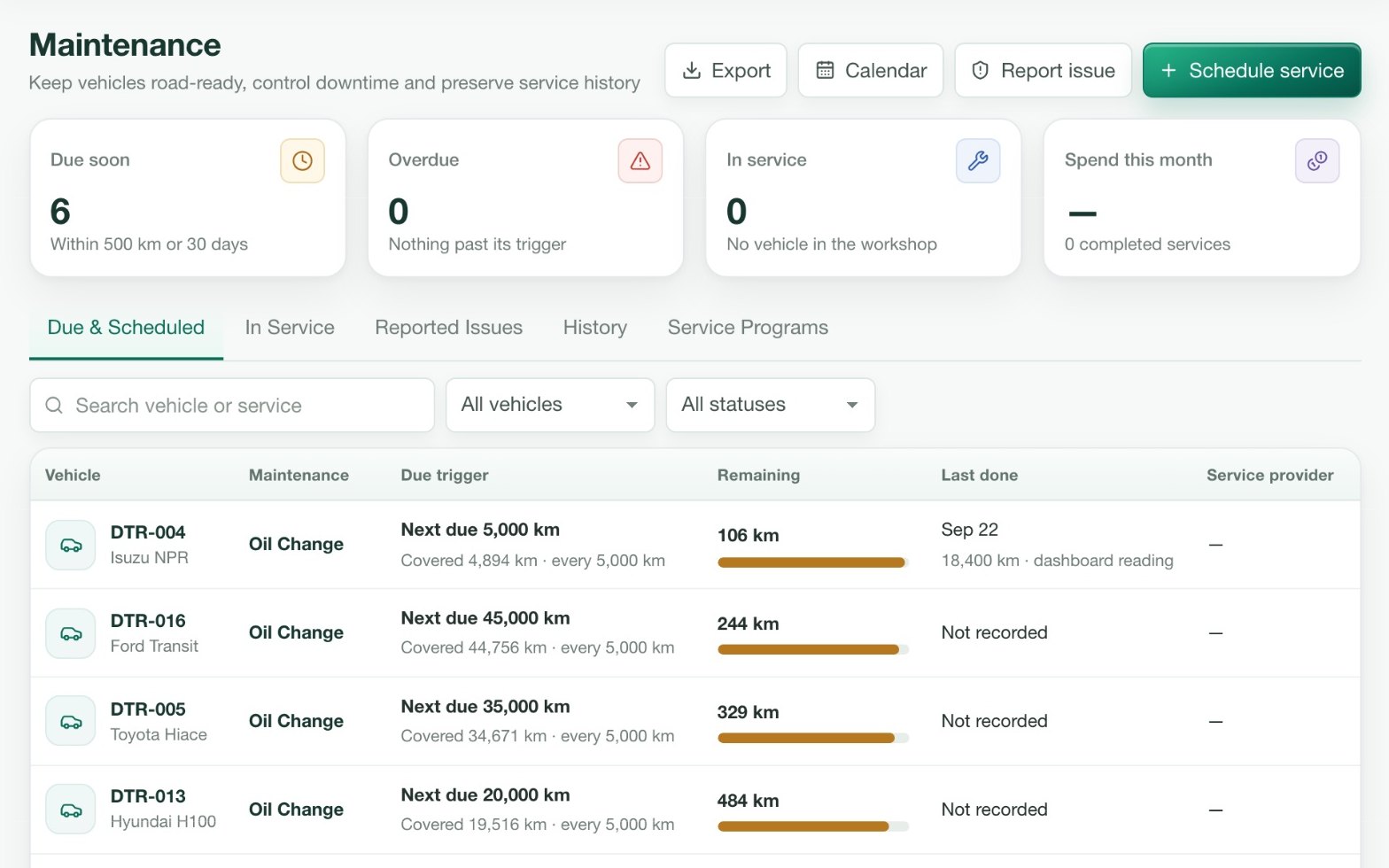
Keep vehicles in good condition and reduce avoidable downtime.
Set a service schedule for each vehicle by distance or by date. Damia Fleet reminds you before a service is due and keeps the full service history against the vehicle.
- Vehicle maintenance schedules
- Service reminders
- Maintenance records
- Vehicle-specific service history
- Upcoming maintenance notifications
Turn fleet activity into actionable business information.
Trips, mileage, utilization and idling, per vehicle or across the fleet. Download a report when you need it, or schedule it to arrive by email.
- Trip reports
- Mileage reports
- Vehicle utilization
- Idling reports
- Fleet performance insights
- Scheduled reports
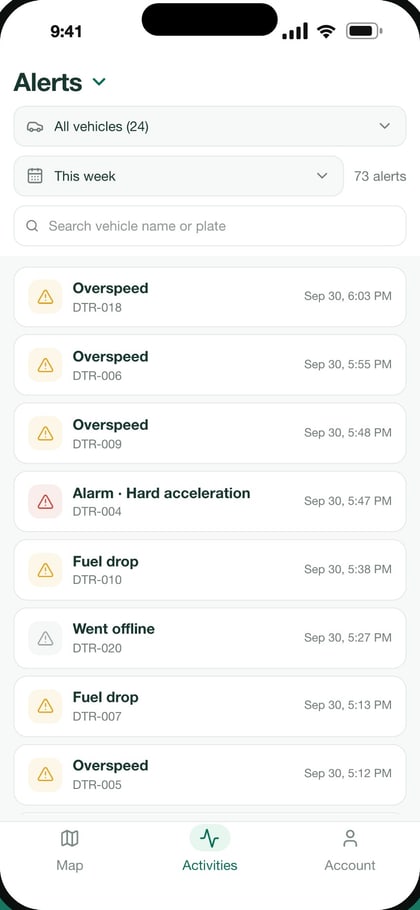
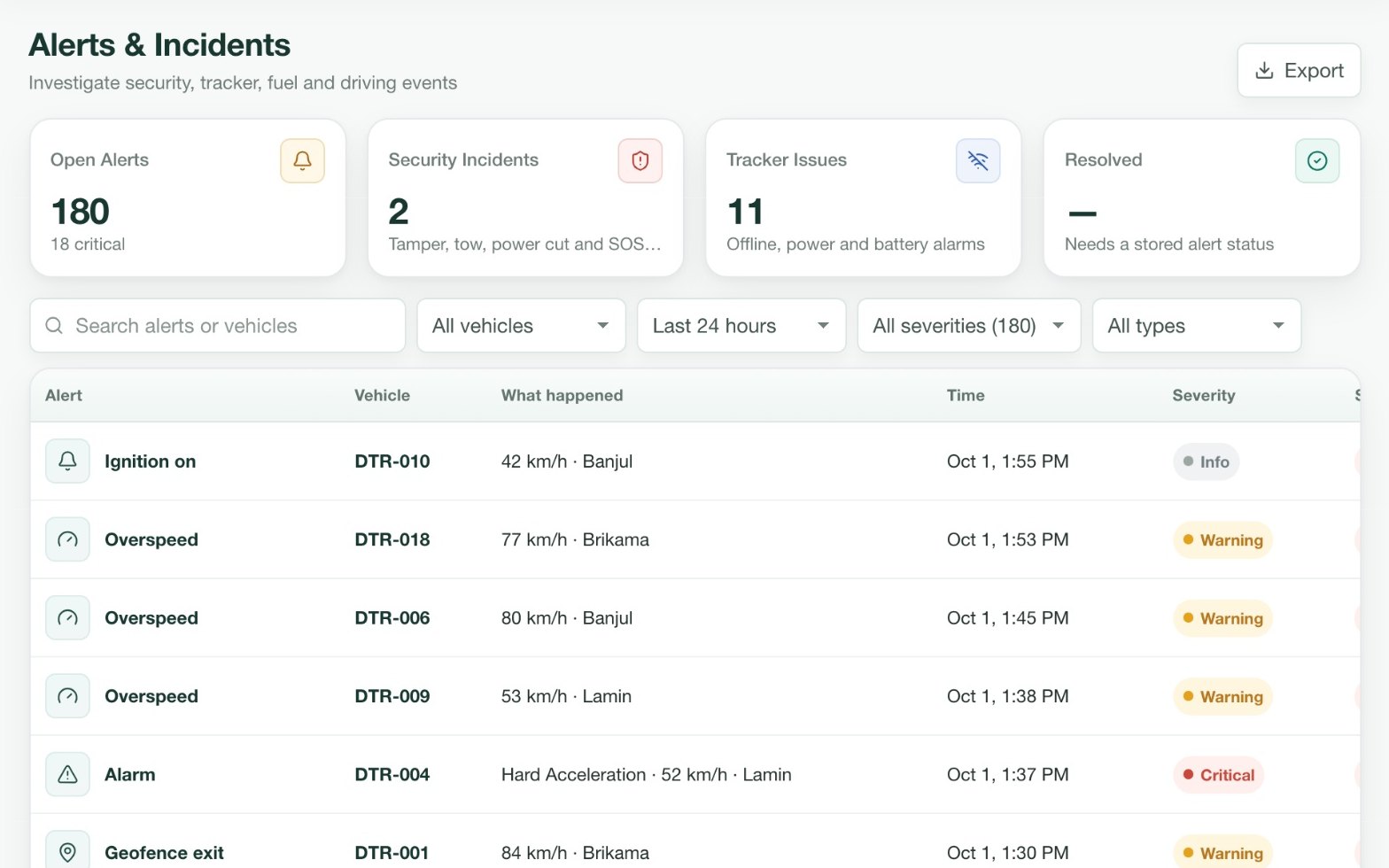
Stay informed about important vehicle events.
Choose the events that matter to your operation and who should hear about them. Draw a geofence around a depot, a site or a city and know when a vehicle enters or leaves.
- Speeding alerts
- Geofence notifications
- Vehicle movement alerts
- Connectivity alerts
- Other supported vehicle events
Give the right people access to the information they need.
Invite your team and decide what each person can see and do. Organize vehicles the way your business is organized and manage the whole fleet from one account.
- Multiple users
- Role-based access
- Vehicle organization
- Fleet oversight
- Centralized management